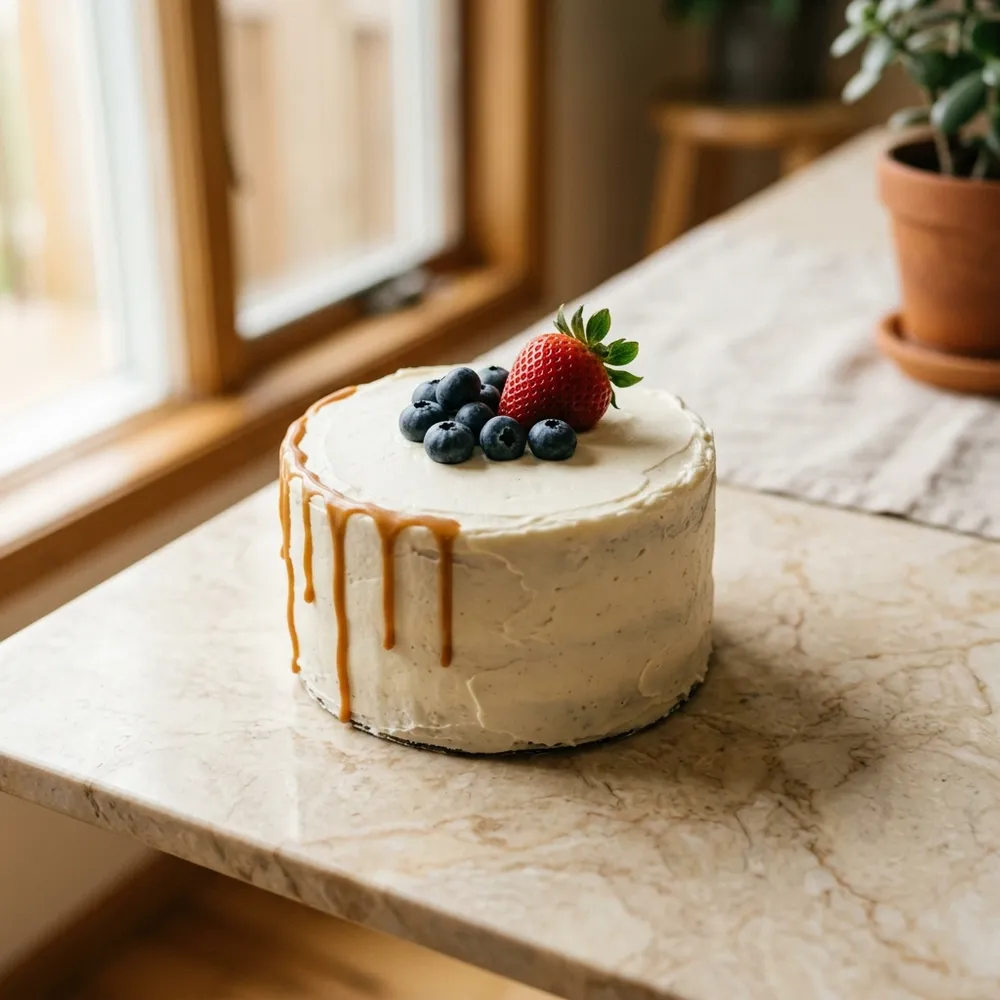
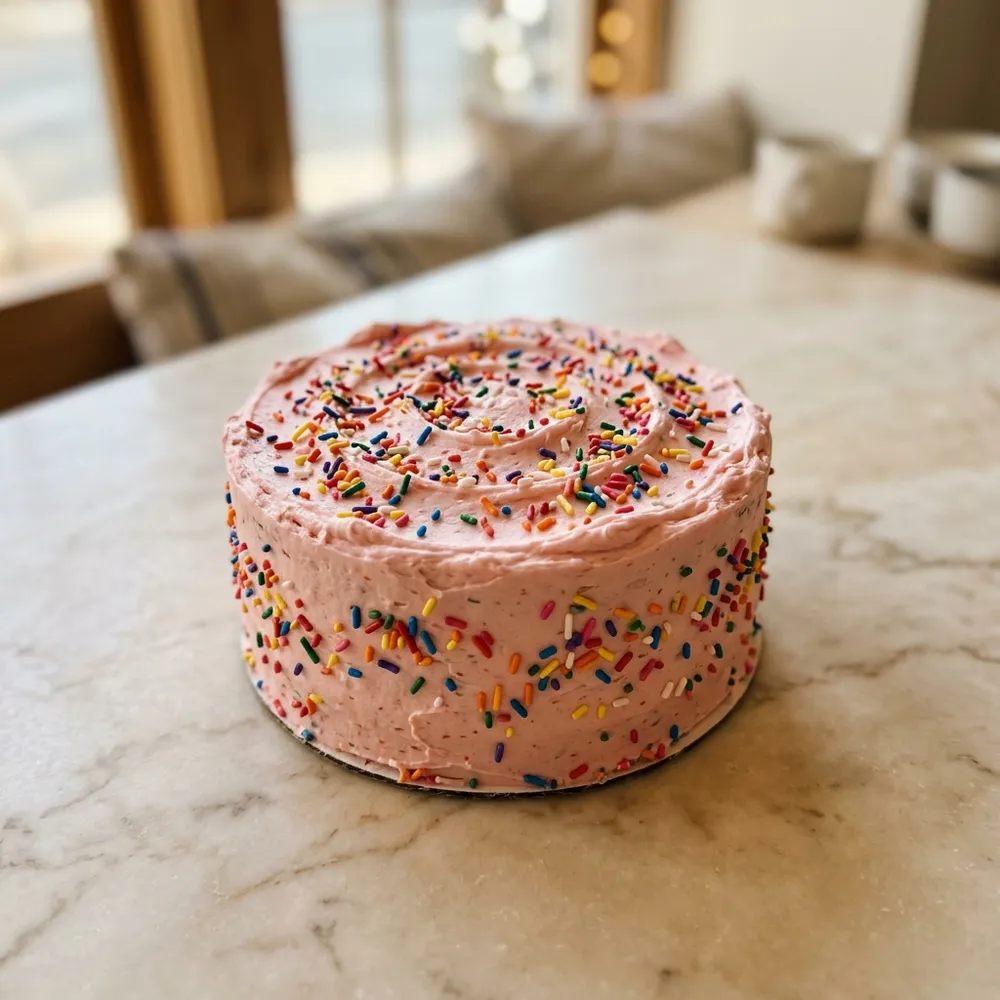
You can attach up to three JPG, PNG or WebP photos, each no larger than 5 MB. Choose one main reference and explain which details you want from the others. Type the exact inscription separately in your preferences.
Prepare clear references
A photograph helps communicate an idea; it does not confirm that an exact copy can be made. Choose a picture that clearly shows the shape, colours and decoration, then identify the essential details.
If an inscription matters, type the exact wording in your preferences. Lettering in a photo may be too small to read or hidden by decoration.
- Save the main reference to your phone’s photo library.
- Add one or two detail photos if needed.
- Check each file: JPG, PNG or WebP, up to 5 MB.
- Explain what each image contributes and which details can change.
If a photo will not attach
The form does not accept HEIC or other file formats. Save a copy as JPG, PNG or WebP. If it exceeds 5 MB, reduce the file size, then select the prepared copy again.
If you have already selected three images, remove one before adding another. Avoid sending repeated identical requests just to include extra pictures: describe the remaining details in your preferences and discuss them with the manager.
If the form reports that the filename is too long, give the file a shorter name while keeping the correct extension.
After submitting
Wait for the on-screen message confirming receipt. The manager will separately confirm the design, filling, size, quote and date. Attaching a photo does not confirm the cake order.
Turn your idea into an enquiry
Share your date, city and preferences. The team will confirm availability, delivery and the final quote for your request.
Discuss my cakeCake collections to explore
Choose a delivery city above to see the relevant catalogue.